TL;DR Summary:
Google’s New Check: Google updated its guidance for Business Profile fraud, adding clearer verification rules for WhatsApp and RCS messages so owners can tell real outreach from scams.How to Verify: A legitimate WhatsApp message should show a blue checkmark and the sender name “Google Maps” or “Google Maps” plus a country name, while a real RCS message should show a blue checkmark and the sender name “Google.”Safer Response: If a message lacks the right verification details or uses a different name, treat it as suspicious and avoid clicking links unless you first scan them with a trusted phishing-check tool.How do you know if a text or call about your Google Business Profile is real or a scam? Google updated its help page on protecting against fraudulent calls and texts on August 3, 2026, and the change matters right now because scammers often target business owners through the exact channels Google uses for legitimate outreach.
What Changed in Google’s Guidance on Fraudulent Calls and Texts
Google revised its Business Profile help page covering fraudulent calls and texts, according to a report from Barry Schwartz posted August 3, 2026 at 7:41 am. The update adds new sections on WhatsApp and RCS messaging verification. It also removes outdated example scenarios and replaces them with current ones. Google states plainly that you should only respond to communication from its verified official accounts.
How to Spot Legitimate Google Business Profile WhatsApp Messages
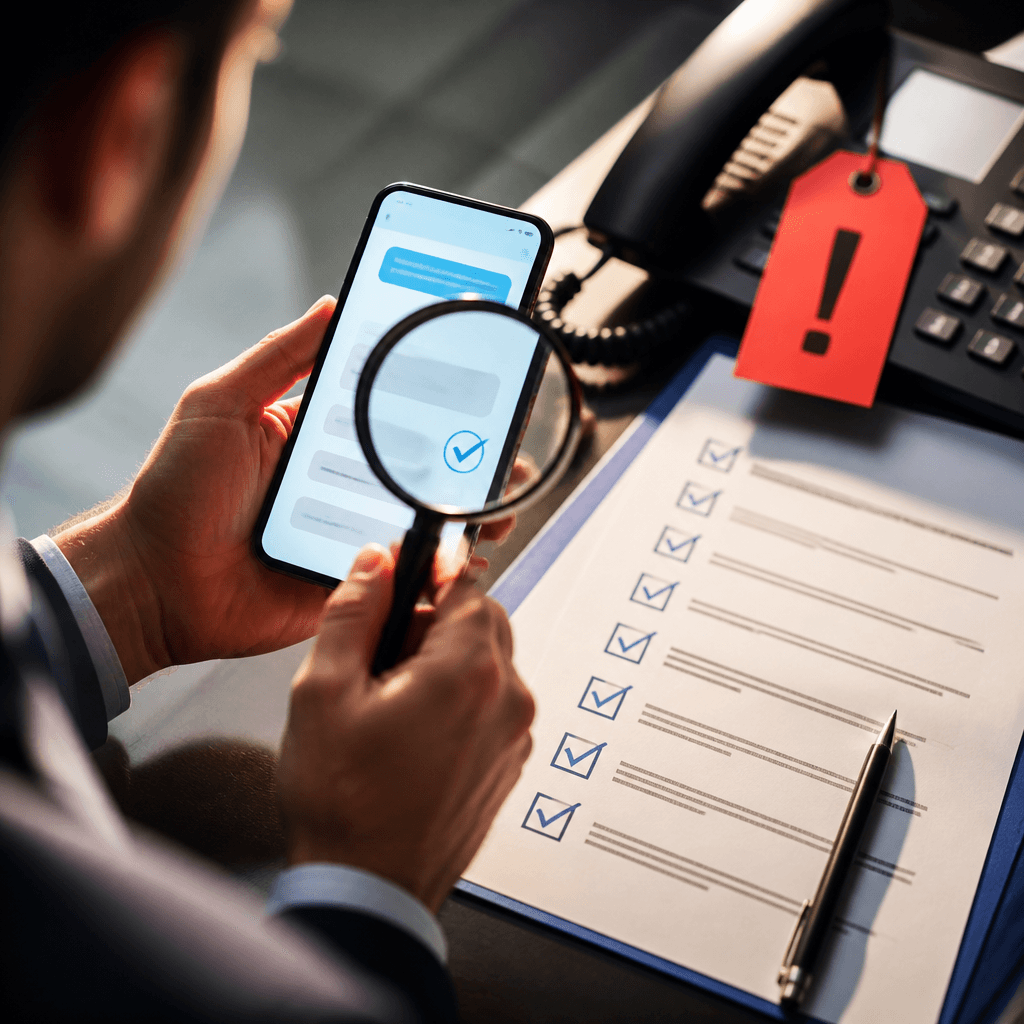
The updated page explains how to identify a real WhatsApp message from Google. Look for a blue verification checkmark next to the account name. The verified account name appears as “Google Maps” or as “Google Maps” followed by a country name, such as “Google Maps Indonesia.” If a message claims to come from Google but lacks this checkmark or uses a different name, treat it as suspicious. This detail matters because WhatsApp is a common channel for business communication scams, and knowing the exact naming format gives you a fast way to check. For an added layer of verification, business owners can run suspicious links through Branalyzer, which checks unfamiliar domains for signs of phishing or malicious activity before you risk clicking through.
Verifying RCS Messages Tied to Google Business Profile Fraudulent Calls and Texts
RCS stands for Rich Communication Services, a messaging standard that works like text messaging but supports extra features such as verification badges. The updated page explains that RCS messages from Google carry a blue verification checkmark next to the sender’s name. The registered business name for these messages appears simply as “Google.” You need RCS messaging turned on for this to work, whether you use an Android or iOS device. This verification method gives you a second way to confirm you’re dealing with Google and not a fraudulent account, separate from the WhatsApp check.
Old Examples Removed From the Google Business Profile Page
Google removed several outdated examples that referenced COVID-era topics, including questions about whether a business offered indoor dining. These examples no longer reflect the kinds of calls and messages business owners receive today. Google replaced them with updated examples that better match current scam attempts. This change on its own doesn’t add new protection, but it keeps the guidance relevant to what you’re actually likely to encounter in 2026.
Why This Update Matters for Anyone Managing a Google Business Profile
If you manage your own Google Business Profile or handle profiles for clients, this update gives you a clearer way to separate real Google contact from fraud. Barry Schwartz notes that a before and after comparison of the document is available for anyone who wants to review the exact wording changes. No other major changes to the page were reported beyond the WhatsApp and RCS additions and the refreshed examples.
Check any message claiming to be from Google against the exact verification details described here before you respond or share information. Confirm the blue checkmark and the correct account name, whether the contact comes through WhatsApp or RCS. This single habit protects you from the most common type of fraud tied to Google Business Profile fraudulent calls and texts. And if you’re ever unsure whether a link included in a message claiming to be from Google is safe to click, a tool like Branalyzer can scan the domain in real time and flag phishing or malware risks before you engage with it.