BizReply: Cut Social Noise, Reply Smarter
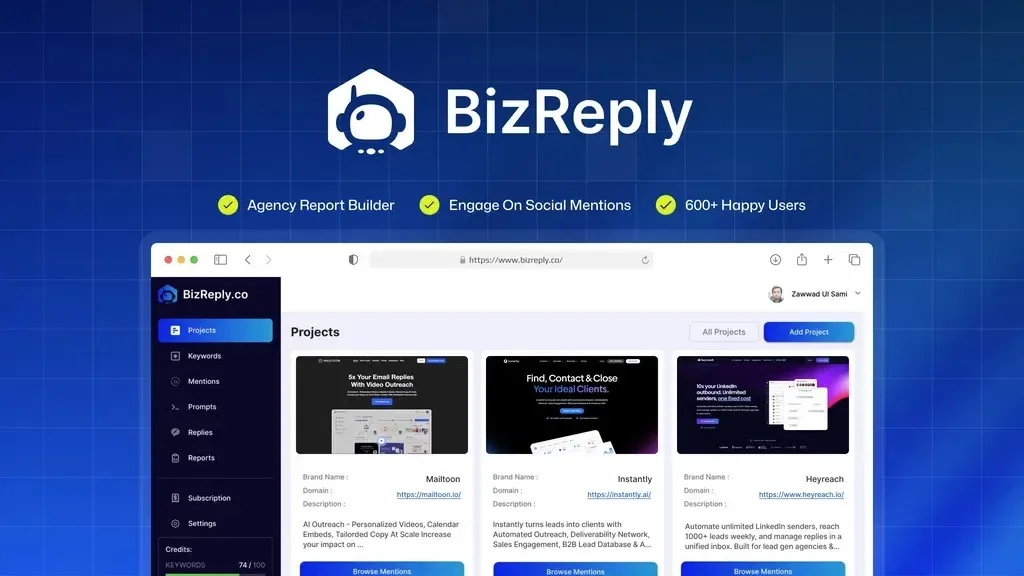
Stop wasting social mentions by manually crafting every reply. BizReply’s negative keyword filtering removes irrelevant noise so you only see conversations worth your time.
What Is BizReply?
BizReply is a social media monitoring and engagement tool that finds relevant posts based on your chosen keywords and helps you write AI-generated replies that mention your brand. Most social listening tools dump every post matching your keyword into one feed, whether it’s a genuine sales opportunity or a spam post that happens to contain the same word. Scanning hundreds of irrelevant mentions every day wastes time and buries real leads under noise.
BizReply solves this with negative keyword filtering, letting you exclude specific terms before posts ever reach your dashboard. Block competitor names, filter out job listings when you’re looking for customer conversations, or remove mentions from regions outside your market. This turns a noisy keyword feed into a curated list of conversations where your product actually fits, which matters most for small teams and agencies who can’t afford to manually sort through junk every day.
How BizReply Works
Keyword Tracking Across Ten Social Platforms
BizReply scans over ten social media platforms for posts matching your chosen keywords. AI suggests relevant keywords based on your brand, or you can add your own manually. This gives you one place to monitor conversations instead of checking each platform separately.
Negative Keyword Filtering
This is the feature that separates BizReply from typical social listening tools. You set exclusion terms upfront, so posts about competitors, unrelated topics, or spam never reach your feed. One negative keyword rule can cut review time significantly, since you stop wasting minutes dismissing posts that were never going to be a real lead.
AI-Generated Replies
Once BizReply surfaces a relevant post, it generates a reply tailored to that specific conversation, naturally working in your brand and key messages. You bring your own API key (BYOK) for your preferred AI model, including OpenAI, Gemini, Claude, and OpenRouter, so replies match the tone and quality you expect. Custom prompts let you adjust the reply style for different situations or platforms.
Branded PDF Reporting
Marketing agencies and teams managing multiple clients can generate branded PDF reports that show responses, post links, platforms, and dates. Add your own logo or a client’s logo to personalize each report. This makes it easier to prove the value of your social engagement work without building reports manually.
Prompt Library and Multi-Language Support
BizReply includes a library of prompts for different reply styles and use cases, plus support for multiple languages. You can choose tone, AI model, and language for each reply, making it useful for teams working across different markets or brand voices.
Customer Reviews
BizReply holds an average rating of 4.7 out of 5 stars across 43 reviews. Customers highlight the time savings, the quality of AI-generated replies, and the ability to track mentions across multiple platforms in one place. Some reviewers noted they’d like a more flexible credit system and further interface refinements, which the BizReply team has continued to address in recent updates.
Who Should Use It
- Marketing agencies managing social engagement for multiple clients who need clean, filtered mention feeds and branded reporting
- SaaS founders and solo marketers who want to catch relevant conversations about their product without spending hours sorting through noise
- Affiliate marketers who need to find and respond to posts about their products quickly, before the conversation moves on
- Teams that already use an AI model like OpenAI, Gemini, or Claude and want to plug it into a dedicated social listening workflow
Things to Know Before Buying
- BizReply requires you to bring your own API key (BYOK) for AI models such as OpenAI, Gemini, or Claude; it does not include AI usage costs
- Each lifetime plan comes with a fixed lifetime allotment of mentions and AI replies, with additional mentions purchasable at a set rate if you exceed your tier
- Keyword tracking limits, team member seats, and brand projects vary by tier, so agencies with many clients will need to size their plan accordingly
- You must activate your license within 60 days of purchase to lock in your lifetime access
Frequently Asked Questions
Does BizReply work without my own AI subscription?
No. BizReply requires BYOK (bring your own API key) for AI models like OpenAI, Gemini, or Claude. This gives you control over which model you use, but you’ll need an active API key from one of the supported providers.
Can multiple team members use BizReply on one plan?
Yes. Depending on your tier, BizReply supports multiple team members with different access levels, so you can manage who sees which brand projects.
What happens if I run out of mentions or AI replies?
You can purchase additional mention credits and PDF report pages at fixed add-on rates once you exceed your plan’s lifetime allotment.
How much does BizReply cost?
Pricing depends on the license tier and feature limits you need. See the Lifetime Deal Details page on this listing for current pricing.