Contact Concert: Unlimited Websites, One Dashboard
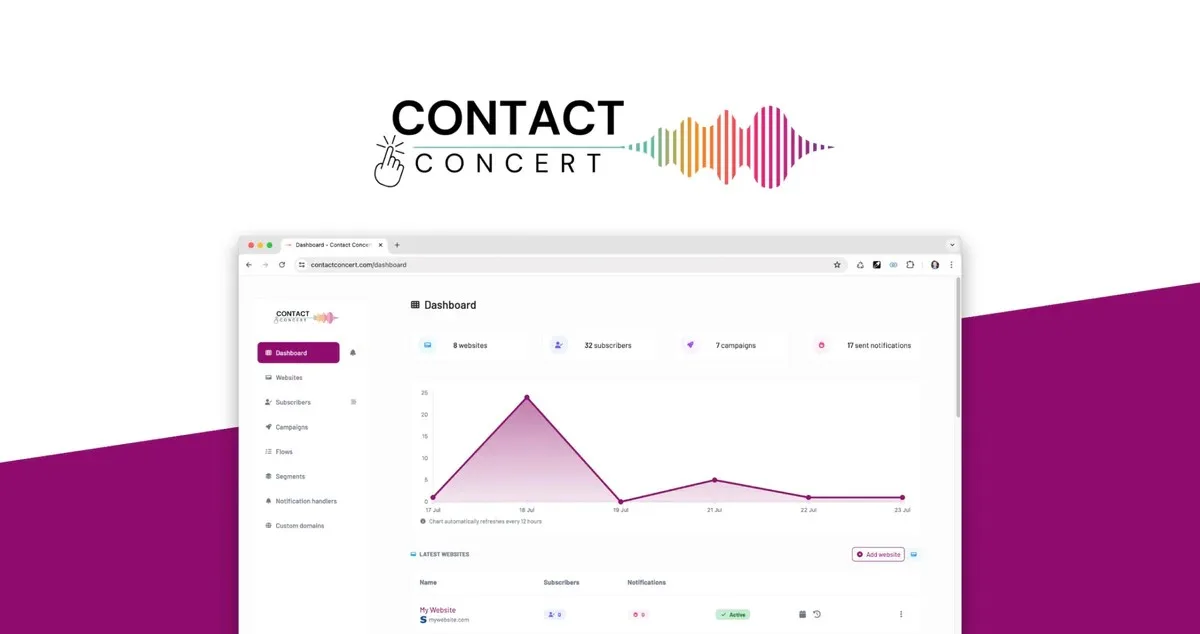
Running push notifications across dozens of client websites or side projects gets expensive fast. Contact Concert lets you manage unlimited websites under one account, eliminating separate logins or stacked subscriptions.
What Is Contact Concert?
Contact Concert is a browser push notification platform built for businesses, agencies, and individuals who need to reach website visitors without relying on email or social media. It lets you collect subscribers directly through their browser, then send them timely updates, promotions, or reminders even after they leave your site. Setup involves adding a JavaScript snippet to your site header and uploading a file to your public folder, a process designed to take minutes rather than requiring a developer.
Most push notification tools charge per website or push you into enterprise pricing the moment you add a second domain. This creates real problems for digital agencies managing several client sites, SaaS founders running a portfolio of small products, and affiliate marketers who launch new landing pages regularly. Contact Concert addresses this directly by supporting unlimited websites on every plan tier, so you can drop the same snippet across as many domains as you need and manage every subscriber list, campaign, and automation from one dashboard.
How Contact Concert Works
Unlimited Website Management
Every Contact Concert plan includes support for unlimited websites, with no per-site fees or forced upgrades as you add domains. You install the same lightweight snippet on each site and manage all of them from a single login. This is especially useful if you run notifications for multiple clients or operate several micro-products, since you avoid juggling separate vendor accounts and separate bills.
Notification Customization
You can control the design and content of every notification to match your brand. Options include adding images, custom styles, multiple buttons to drive specific actions, dynamic content through spintax, and links to on-site or off-site pages. You can also set silent notifications, time-to-live schedules, and urgency settings depending on the message.
Advanced Subscriber Targeting
Contact Concert tracks browser, device type, operating system, location, and referring links for each subscriber, then lets you target messages using that data. An analytics dashboard shows subscriber activity in detail, so you can adjust targeting based on real behavior instead of guesswork. This matters most when you are managing large or varied subscriber lists across several sites.
Automated Notification Flows
You can build drip sequences that send messages automatically based on triggers like time since signup. For example, a welcome message after five minutes, a tutorial link after 24 hours, and an upgrade offer after a month. Because these flows run per site or per subscriber group, agencies can replicate a working sequence across multiple client accounts in minutes rather than rebuilding it each time.
Segment Filtering and Reporting
Subscribers can be filtered by location, device, browser, language, or custom tags imported via CSV, letting you send narrowly targeted campaigns. Because Contact Concert consolidates data from every connected website into one dashboard, reporting on clicks, conversions, and subscriber growth stays centralized instead of scattered across separate vendor logins.
Who Should Use It
- Digital agencies running push notification campaigns for five, ten, or more client websites who want one bill and one dashboard instead of many
- SaaS founders or portfolio entrepreneurs operating several micro-products who need to manage subscriber engagement without paying per domain
- Affiliate marketers who launch new landing pages regularly and need notification setup that scales without added cost
- Any business wanting to re-engage website visitors with timely browser messages without the price tag of larger marketing platforms
Things to Know Before Buying
- Setup requires adding a JavaScript snippet to your site header and uploading a file to your public folder, so some technical comfort helps even though no complex coding is needed
- Push notifications only reach visitors using a compatible browser, such as Chrome, Firefox, Safari, Edge, Samsung Internet, or Opera
- Plans are structured around total subscriber count rather than number of websites, so very high subscriber volumes may require a higher tier
- Redemption of any purchased plan code must happen within the timeframe stated at purchase, so activate promptly after buying
Frequently Asked Questions
Does Contact Concert work on mobile devices?
Yes. Contact Concert notifications work on any device using a supported browser, including desktop and mobile versions of Chrome, Safari, Firefox, Edge, and others.
How do push notifications actually work?
A visitor gives consent through a browser prompt, which adds them as a subscriber. From there, Contact Concert can send them scheduled or one-off notifications directly through their browser, even when they are not on your site.
Can I use Contact Concert across multiple client websites?
Yes. Every plan supports unlimited websites, so you can add each client domain to your dashboard and manage all campaigns, subscribers, and automations in one place without separate subscriptions.
How much does Contact Concert cost?
Pricing depends on total subscriber capacity and plan tier. See the Lifetime Deal Details page for current pricing.