TL;DR Summary:
Avoid Common Pitfalls: Skip reactive theme and plugin choices that cause bloat, vulnerabilities, and poor performance for sustainable results.Build Strategic Structure: Map user journeys, sitemaps, and SEO-friendly architecture to guide visitors and boost conversions.Prioritize Essentials Only: Select lightweight themes, key plugins, secure hosting, and mobile-first design with ongoing maintenance for long-term success.The Ultimate Guide to Planning a WordPress Website That Actually Works
Planning a WordPress website often feels overwhelming, yet it remains one of the most crucial steps that determines long-term success. While many rush to pick themes and add flashy features, a strategic approach creates sustainable results with fewer headaches down the road.
Why Most WordPress Planning Processes Fall Short
The common approach to WordPress development typically starts with selecting an attractive theme and piling on popular plugins. This reactive method leads to bloated sites, security vulnerabilities, and frustrated users who abandon ship before converting.
Instead, successful WordPress sites begin with clear objectives that shape every subsequent decision. Whether building a portfolio, ecommerce store, or content hub, defining specific goals eliminates feature bloat and keeps development focused on what truly matters.
Creating a WordPress Site Structure That Converts
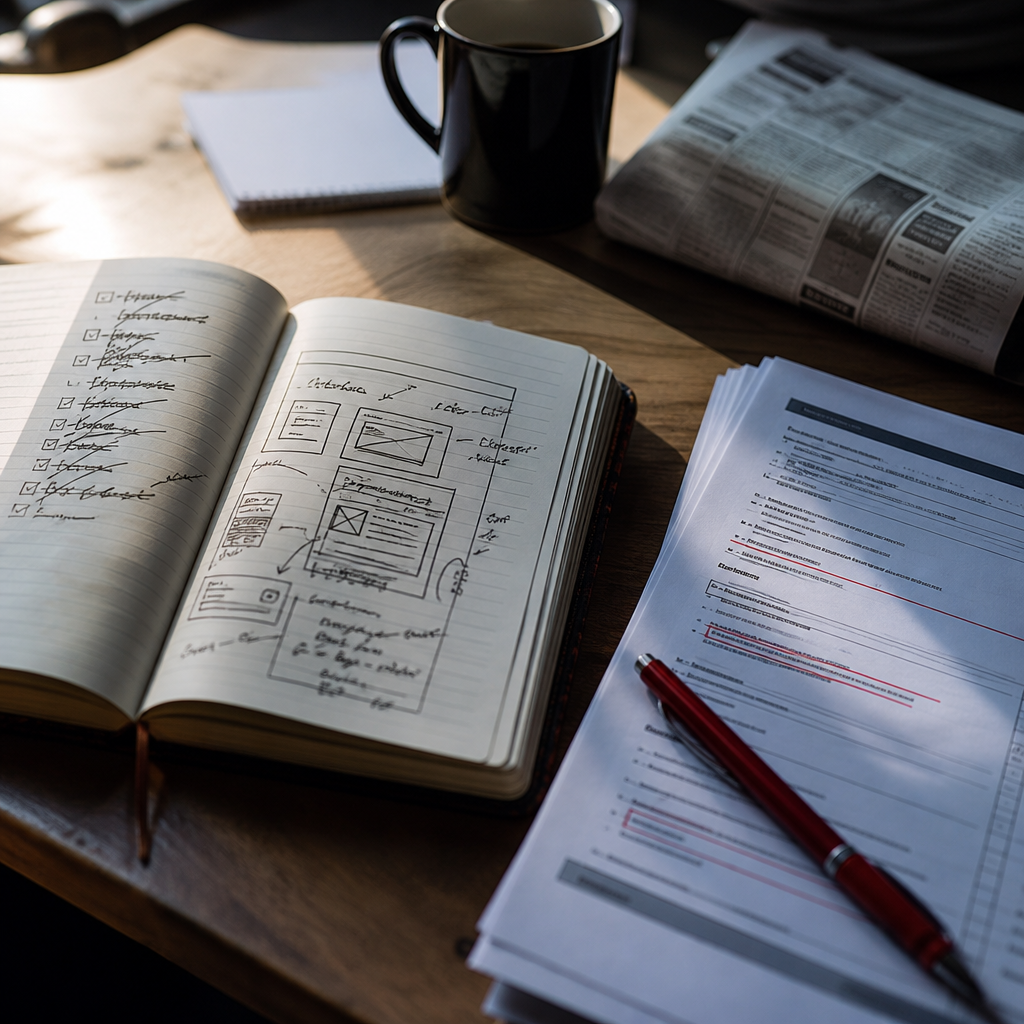
Site architecture serves as the backbone of user experience and search visibility. Rather than randomly adding pages, map out deliberate user journeys that guide visitors toward desired actions. A clear sitemap visualizes content organization while revealing gaps in the user experience.
This structural planning phase also impacts technical SEO by helping search engines understand content hierarchy and topical relationships. Clean URL structures, logical navigation, and strategic internal linking stem naturally from thoughtful architecture.
WordPress Theme Selection Strategy That Saves Time
The WordPress theme market overflows with options promising unlimited possibilities. However, chasing visual appeal often leads to performance problems. Focus instead on well-coded, lightweight themes that prioritize speed and flexibility.
Key considerations include:
- Regular security updates
- Clean, validated code
- Performance optimization
- Plugin compatibility
- Mobile responsiveness
- Developer support
Essential WordPress Plugins Without the Bloat
Plugin overload remains a leading cause of slow, vulnerable WordPress sites. Rather than installing solutions for every minor feature, identify truly essential functionality. Quality plugins from reputable developers trump quantity every time.
Consider consolidating plugin functionality where possible. For example, an all-in-one SEO solution may eliminate the need for multiple specialized plugins while reducing potential conflicts.
Choosing WordPress Hosting That Grows With You
Hosting decisions impact everything from site speed to security to scalability. While budget hosting works for basic sites, growing traffic demands more robust infrastructure. Managed WordPress hosting often proves cost-effective by handling security, backups, and optimization automatically.
Consider future needs when selecting hosting. Upgrading later typically causes more disruption than starting with slightly more resources than currently needed.
WordPress Security Planning That Actually Works
Security measures work best when implemented from day one rather than retroactively after issues arise. Basic protections include:
- SSL certificates
- Strong password policies
- Limited login attempts
- Regular backups
- Update management
- Security scanning
Using staging environments to test changes prevents broken sites while keeping production secure and stable.
Mobile-First WordPress Development Approach
Mobile users now dominate web traffic, making responsive design mandatory rather than optional. Beyond basic responsiveness, consider:
- Touch-friendly navigation
- Compressed images
- Minimal pop-ups
- Fast loading times
- Readable typography
- Simple forms
Content Strategy for WordPress Success
Great content drives engagement, but only when strategically planned and consistently delivered. Map cornerstone content that addresses key user needs while supporting business goals. Plan ongoing content creation that maintains freshness while building topical authority.
Consider content types beyond basic blog posts, such as:
- Resource guides
- Case studies
- FAQs
- Video content
- Downloadable assets
- User-generated content
Measuring WordPress Performance From Launch
Analytics implementation often becomes an afterthought, leading to missed optimization opportunities. Plan measurement strategy during development by:
- Setting clear KPIs
- Installing tracking code
- Creating conversion goals
- Establishing baselines
- Scheduling reviews
- Planning improvements
Future-Proofing Your WordPress Website
Sustainable WordPress sites require ongoing attention to:
- Security updates
- Performance optimization
- Content freshness
- User feedback
- Technical debt
- Feature requests
Building maintenance routines into the planning process prevents costly emergency fixes while ensuring consistent improvement.
How will you adapt your WordPress planning process to create sites that truly serve users while supporting business growth?