TL;DR Summary:
Direct Connection: Google is rolling out a new link between Google Business Profile and Google Analytics, letting you connect locations through Analytics Admin under Product Links and start seeing local listing data in your dashboard.Key Metrics: Once connected, Analytics shows seven Business Profile metrics, including interactions, website clicks, calls, directions, messages, bookings, and menu views from the last six months.Business Value: This integration helps local businesses measure performance, compare listing activity with website data, and track customer behavior across Search and Maps, while still having limits on custom explorations, comparisons, filters, and subproperties.How can I connect my Google Business Profile to Google Analytics?
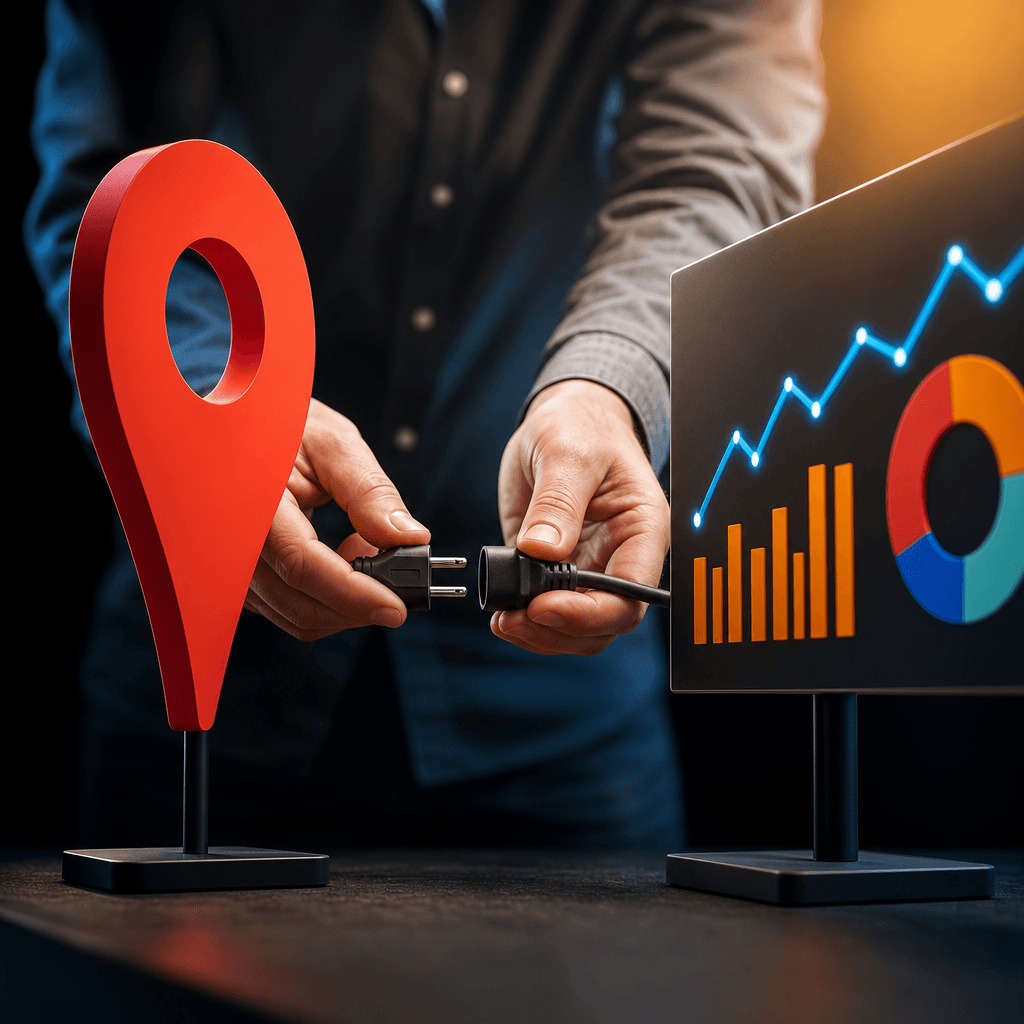
Google is rolling out a direct connection between Google Business Profile and Google Analytics over the next few weeks. This integration puts your local listing data right inside your Analytics dashboard, giving you a complete picture of how customers find and interact with your business.
What data you’ll see when you connect Google Business Profile to Google Analytics
The new integration brings seven key metrics from your Business Profile into Analytics:
- Interactions – total engagement with your listing
- Website clicks – users who clicked through to your site
- Calls – phone calls generated from your listing
- Directions – requests for driving directions
- Messages – direct messages through your profile
- Bookings – appointment requests made through your listing
- Menus – views of your menu or services
All data covers the last six months. If you manage multiple locations, Analytics combines the numbers from all linked profiles into one report.
How to set up the Google Business Profile Analytics connection
Google will add the setup option to Analytics Admin over the next few weeks. Here’s how to connect them:
1. Open Google Analytics and go to the Admin panel
2. Look for “Product Links” in the menu
3. Select “Google Business Profile” from the options
4. Choose which business locations to link to your Analytics property
5. Follow the setup prompts to complete the connection
Your data appears immediately after linking. Go to the Reporting tab in Analytics, find the new Google Business Profile section, and open the Performance report to see your local metrics.
Why connecting Google Business Profile to Google Analytics matters for local businesses
Google lists five main benefits of this integration:
Centralized reporting – You see all your Business Profile metrics alongside website data in one place instead of switching between platforms.
Local impact measurement – Track exactly how users interact with your listings across Google Search and Maps.
Marketing effectiveness analysis – Connect your local advertising spend to specific actions like direction requests and phone calls.
Complete customer journey insights – Understand how your Business Profile drives traffic and engagement on your website.
Multi-location overview – See performance across all your business locations in aggregated reports.
Current limitations of the Google Business Profile Analytics integration
Google’s documentation notes some restrictions with the new feature. You cannot use the Business Profile data in custom explorations or create comparisons with other metrics. The integration also doesn’t support subproperties, and you cannot apply filters specifically to Business Profile metrics.
Getting more value from your Google Business Profile website traffic
The new integration shows you how many people click from your Business Profile to your website, but it doesn’t identify which specific visitors converted or what they did on your site. This leaves a gap in understanding your complete customer journey.
While you’ll see total website clicks from your Business Profile, you won’t know which of those visitors became customers or where the others dropped off. For businesses that need to identify high-value prospects from their local search traffic, Visitor Tracking reveals which companies clicked through from your listings and tracks their complete journey on your website. You can see exactly which businesses are interested in your services and follow up with qualified prospects who visited but didn’t convert yet.